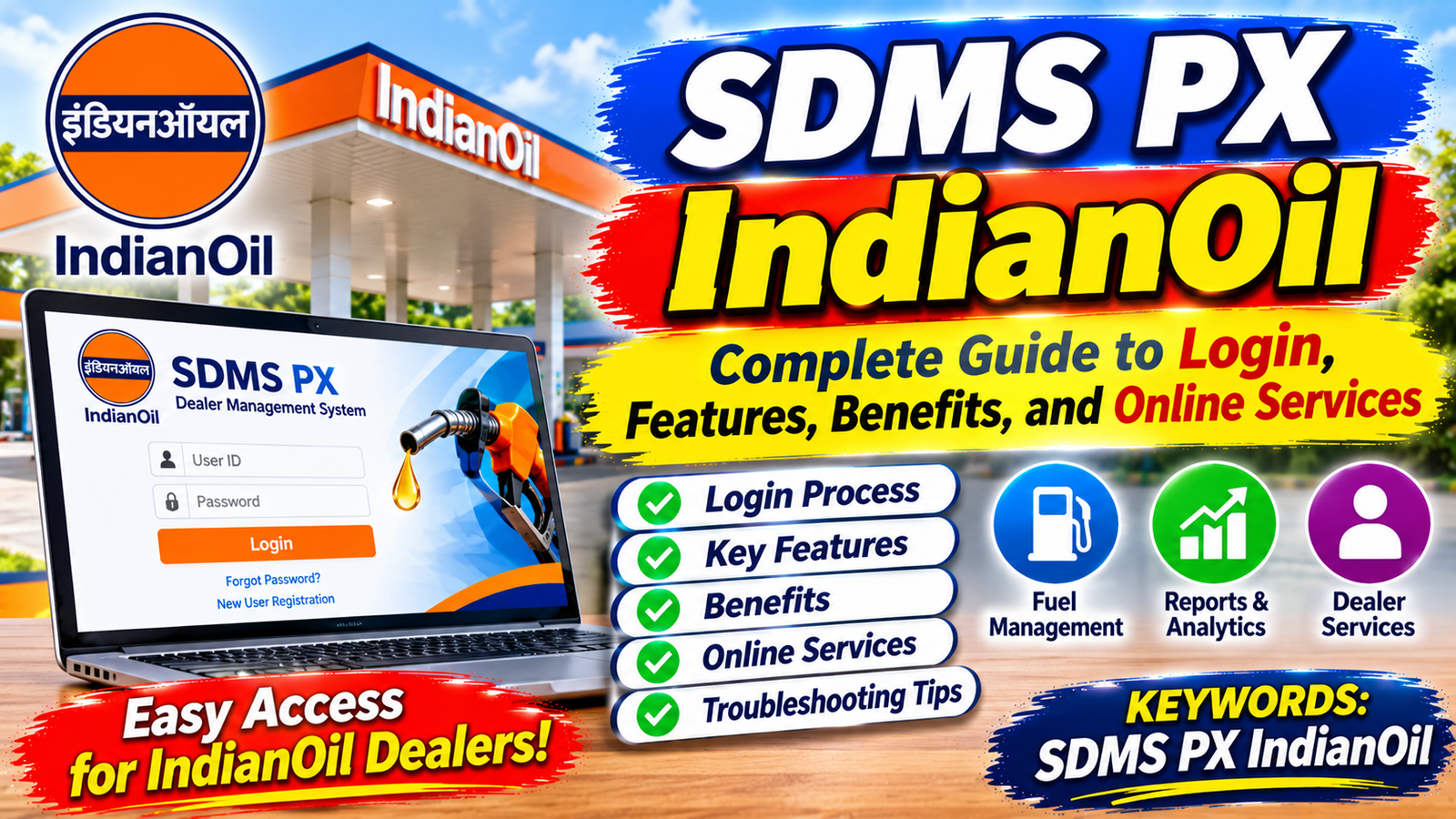
SDMS PX IndianOil is an important digital platform associated with Indian Oil Corporation Limited (IOCL). It helps authorized dealers, distributors, and business partners manage various business-related activities through an online system. The platform supports the digital management of sales, distribution, dealership operations, and other business services.
With the increasing use of digital technology, IndianOil has introduced and upgraded online systems to make its operations more efficient and accessible. SDMS PX IndianOil is one of the commonly searched platforms by people looking for information about IndianOil dealer login, distributor services, and business management.
In this article, we will explain everything you need to know about SDMS PX IndianOil, including its login process, features, benefits, and frequently asked questions.
What Is SDMS PX IndianOil?
SDMS stands for Sales and Distribution Management System. It is associated with IndianOil’s digital systems for managing sales and distribution activities.
Indian Oil Corporation Limited is one of India’s leading oil and gas companies. It provides various petroleum products, LPG services, lubricants, and other energy solutions throughout the country.
The SDMS platform supports business operations by providing authorized users with access to relevant digital services. Depending on their account permissions, dealers and distributors may use the system to manage business information, view transactions, access reports, and perform other operational tasks.
The main purpose of SDMS is to improve efficiency, reduce paperwork, and simplify business management through digital technology.
Official SDMS PX IndianOil Website
Users searching for the SDMS PX IndianOil portal commonly use the following web address:
Official portal: https://sdms.px.indianoil.in/
Always verify that the website belongs to the official IndianOil domain before entering personal or business information. Portal addresses and login arrangements can change, so follow the latest instructions provided by IndianOil if the website redirects you to another official login page.
The portal is primarily intended for authorized business users rather than general public registration.
How to Login to SDMS PX IndianOil?
Accessing the SDMS PX IndianOil portal is generally straightforward for registered users. You need valid login credentials provided through the authorized IndianOil business process.
Follow these general steps:
- Open Google Chrome or another updated web browser.
- Visit the official SDMS PX IndianOil website.
- Open the appropriate business or dealer login option.
- Enter your registered User ID.
- Enter your password carefully.
- Complete any additional verification requested by the portal.
- Click the Login button.
- After successful authentication, access the dashboard and available services.
Remember that login options may vary depending on your user account and the portal’s current configuration.
Main Features of SDMS PX IndianOil
SDMS PX IndianOil provides digital support for different business operations. Available features depend on the user’s role and access permissions.
Some commonly associated functions include:
1. Online Order Management
Authorized business users can access order-related services and review relevant sales information. Digital order management helps reduce manual work and makes business processes more organized.
2. Inventory Management
Inventory information is important for distributors and dealers. Digital stock management tools can help authorized users review available stock and maintain better records.
3. Invoice and Billing Services
Business users may access relevant billing information, invoices, and transaction records through available portal facilities. This makes financial documentation easier to organize.
4. Sales and Distribution Reports
Reports help businesses understand their operations. Authorized users can access relevant sales and distribution information to monitor performance and support better decisions.
5. Business Information Management
The platform supports digital business processes and provides access to information relevant to authorized IndianOil partners.
Benefits of Using SDMS PX IndianOil
Digital business management offers several advantages for dealers and distributors. SDMS-related systems help improve the way business information is accessed and managed.
Some important benefits include:
- Time-saving: Online services can reduce the need for repetitive paperwork.
- Better organization: Business information can be managed through a centralized digital platform.
- Improved efficiency: Digital processes can make routine business activities easier.
- Easy information access: Authorized users can access relevant records online.
- Better reporting: Digital reports help users monitor business activities.
- Reduced manual work: Online systems can minimize certain repetitive administrative tasks.
- Improved transparency: Digital records can make business transactions easier to review.
These advantages contribute to the wider digital transformation of IndianOil’s business operations.
Who Can Use the SDMS PX IndianOil Portal?
The portal is mainly associated with authorized IndianOil business stakeholders.
Depending on the services enabled, eligible users may include:
- IndianOil dealers
- LPG distributors
- Registered business partners
- Authorized dealership employees
- Other approved business users
Not every visitor can create an account or access the business dashboard. Login credentials and permissions are generally provided through the appropriate IndianOil authorization process.
General LPG consumers should use the designated IndianOil customer services rather than assuming that the business portal is intended for public use.
How to Solve Common SDMS PX IndianOil Login Problems?
Sometimes users experience difficulties while accessing an online portal. These problems can happen because of incorrect credentials, browser issues, network interruptions, or temporary technical maintenance.
Here are some basic troubleshooting suggestions:
Incorrect Password: Check your password carefully and make sure the information is correct. Contact the authorized administrator if you cannot access your account.
Website Not Opening: Check your internet connection and try opening the official website using an updated browser.
Login Page Redirecting: Follow the latest official IndianOil login instructions instead of relying on outdated bookmarks.
Account Access Issues: Contact your IndianOil business administrator or the relevant support office for assistance.
Security Verification Problems: Follow the verification instructions displayed on the official login page.
Never share your password, OTP, or other confidential login information with unknown individuals.
Important Security Tips for SDMS PX IndianOil Users
Account security is essential when using an online business platform. Dealers and distributors should follow basic cybersecurity practices to protect their business information.
Always access the portal through a verified IndianOil website. Use a strong and unique password, avoid logging in through suspicious links, and never share confidential account details.
If you use a shared computer, log out after completing your work. Keep your browser updated and avoid saving passwords on public devices.
If you notice unusual account activity, contact the appropriate IndianOil support team immediately.
Frequently Asked Questions About SDMS PX IndianOil
1. What is SDMS PX IndianOil?
SDMS PX IndianOil is a portal associated with IndianOil’s Sales and Distribution Management System and its digital business operations.
2. What is the official SDMS PX IndianOil website?
The commonly referenced website is https://sdms.px.indianoil.in/. Always verify the current official access instructions before logging in.
3. Who can access the SDMS PX IndianOil portal?
Authorized IndianOil dealers, distributors, business partners, and approved users can access the services enabled for their accounts.
4. Can I register on SDMS PX IndianOil as a new user?
Access generally requires authorization through IndianOil’s business registration or onboarding process. It is not an unrestricted public registration portal.
5. What should I do if I forget my SDMS password?
Use the password recovery option if it is available on the official login page. Otherwise, contact your authorized IndianOil administrator.
6. Can I access SDMS PX IndianOil on my mobile phone?
You can try accessing the portal through a supported mobile browser. Availability and functionality may depend on the device and current portal configuration.
Conclusion
SDMS PX IndianOil plays an important role in the digital business environment of Indian Oil Corporation Limited. It is associated with sales, distribution, and dealership-related activities, helping authorized users manage relevant business information online.
From accessing business records to reviewing available operational services, the platform supports the broader digital transformation of IndianOil. Users should always visit verified official websites, follow the correct login instructions, and protect their account credentials.
Whether you are an IndianOil dealer, distributor, or authorized business partner, understanding SDMS PX IndianOil can help you navigate its digital services more effectively.